
Memra
Remember names, numbers and more, on purpose.
Short games and lessons built on the techniques memory athletes use. A few minutes a day, made for the things you actually need to remember.
Free on iPhone, iPad and Android. Premium is optional.
Also in Deutsch · Español · Français · Português · Italiano · 日本語 · 한국어
- 40memory games
- 18courses
- 72lessons
- 33memory hacks
Play a Memra game now
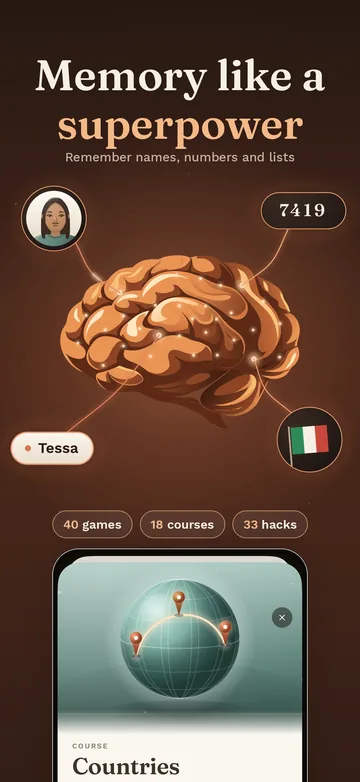
Memory like a superpower.
Everything memory, in one calm app.
40 memory games
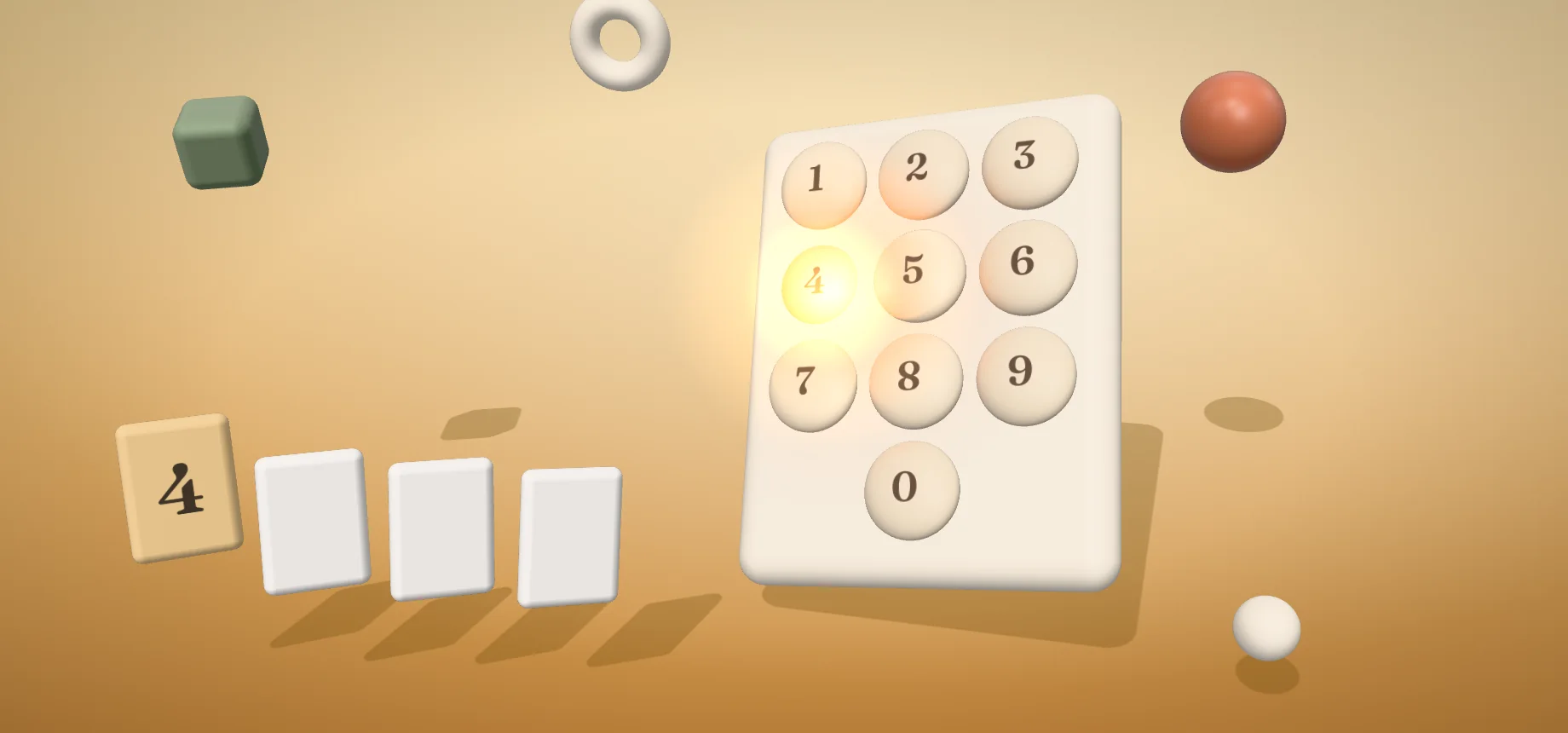
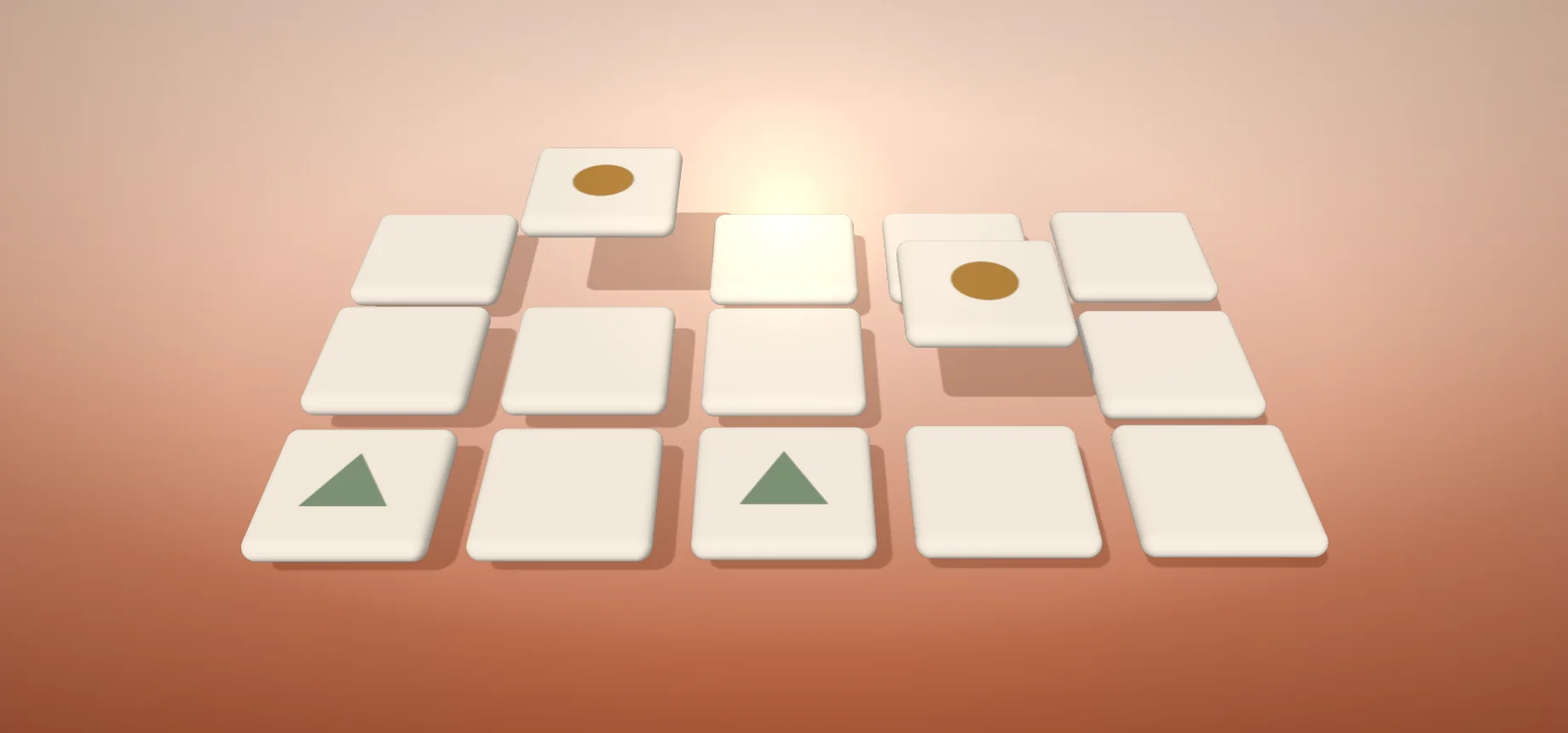
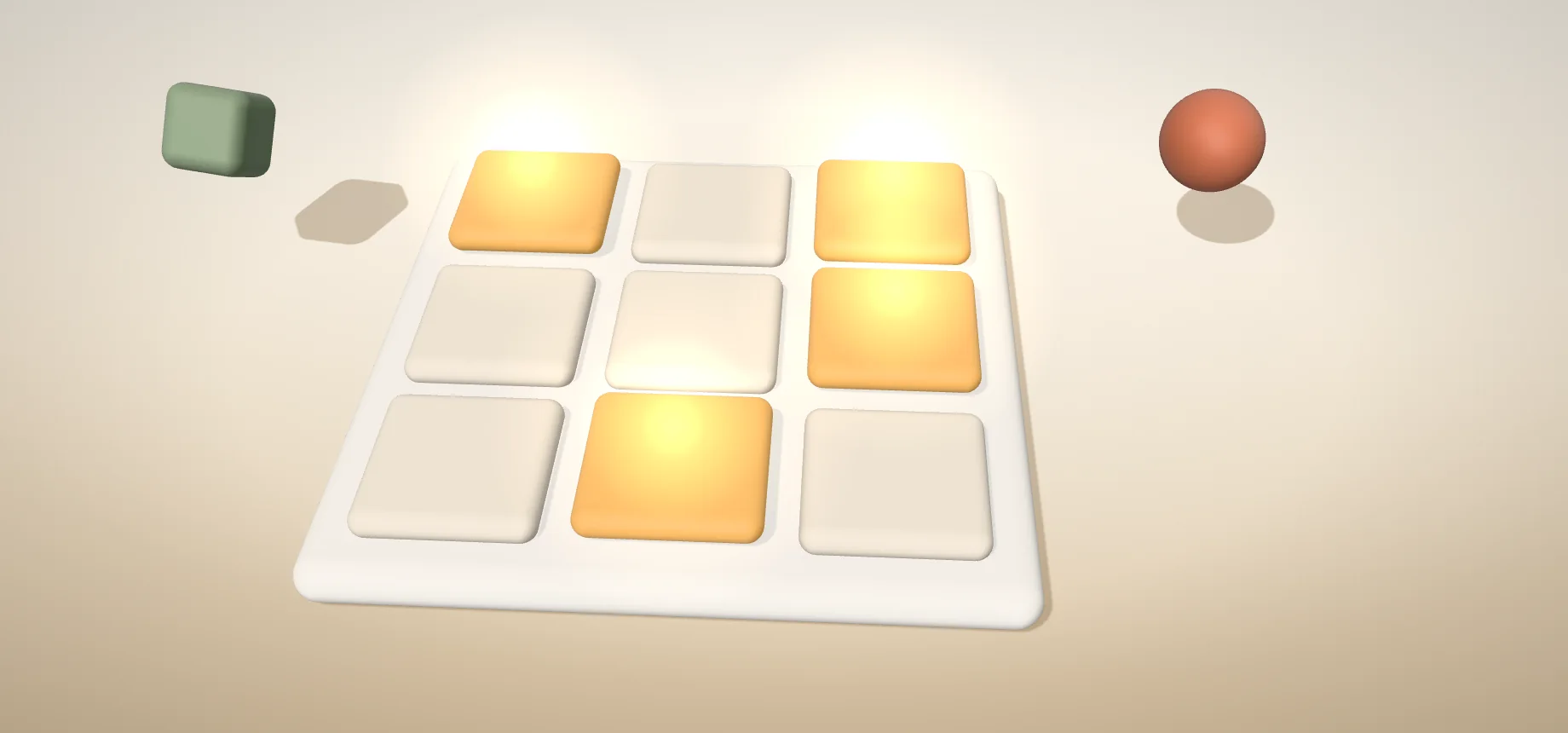
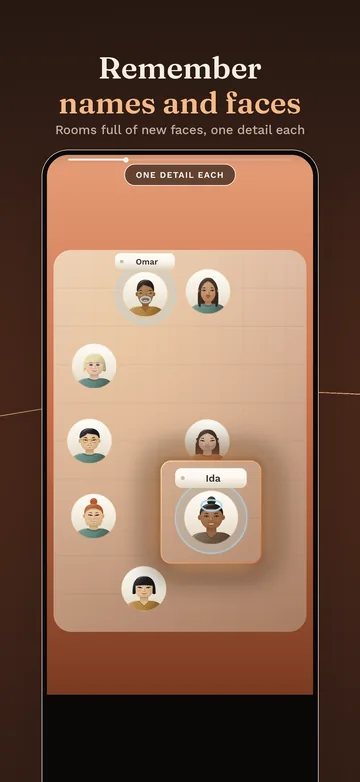
Faces, numbers, words, routes and more. Each game has its own board and its own feel.
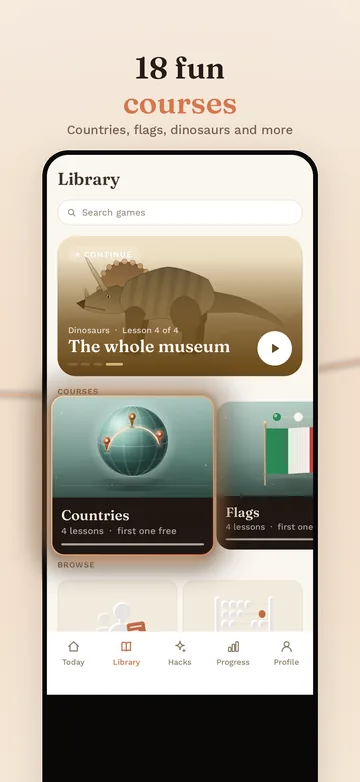
18 courses, 72 lessons
Names, numbers and PINs, shopping lists, study and exams, speeches, all 195 flags and a new language.
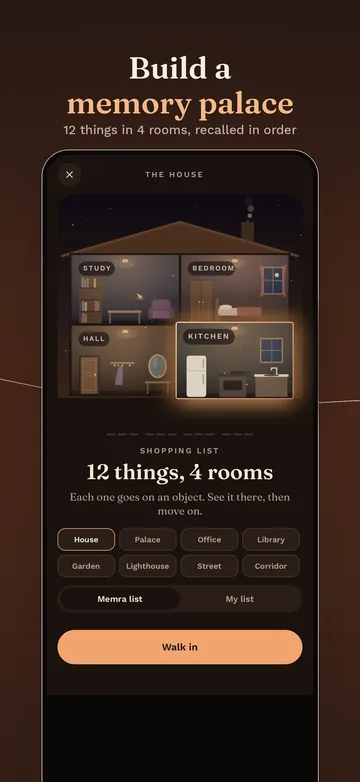
Memory palaces
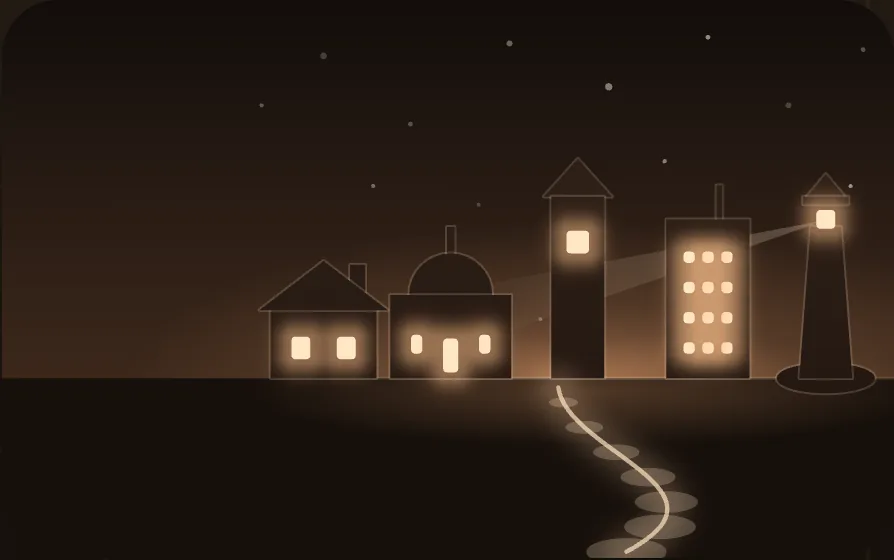
Walk a drawn house, street, office or lighthouse and place what you need in each room.
Field guides
Fish, birds, mammals, dinosaurs, planets and more, each paired with a different memory hack.
Keep
Save a name, a number or a note, and Memra brings it back at the right time so it sticks.
33 memory hacks
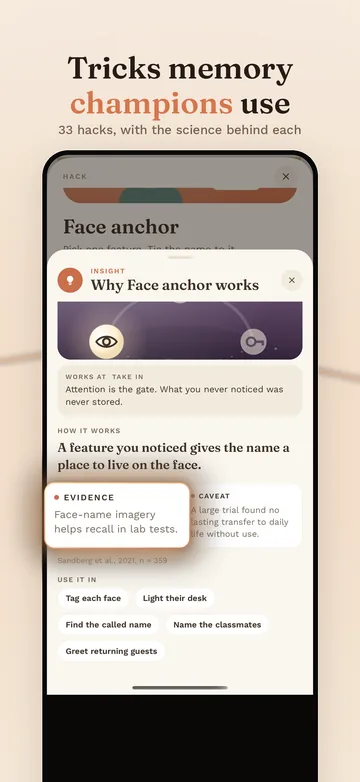
How each one works and where to use it. Brief it before a game, review it after a weak round.
Put each thing in its own room.
The method of loci, drawn properly. Pick a house, garden or office, place what you need to remember room by room, then walk back through and collect it.

Learn it, play it, use it.
- 01
Learn a hack
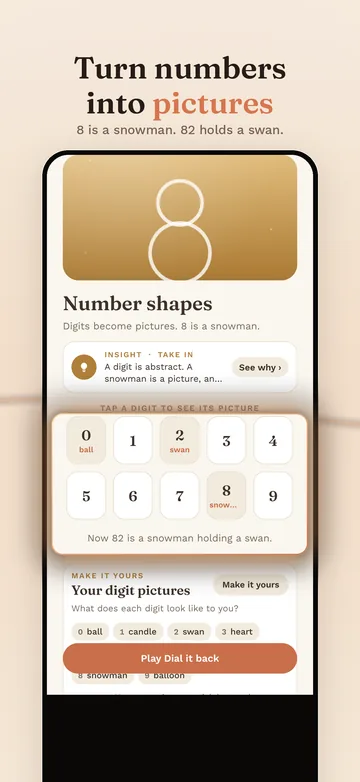
Association, chunking, number shapes, loci. One idea at a time.
- 02
Play it
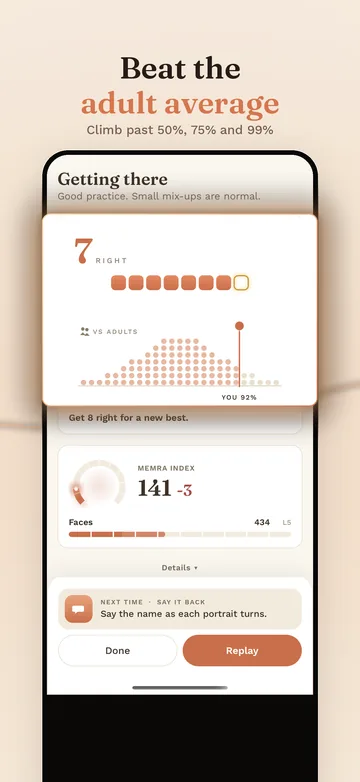
Use the hack in a short game, with your record and a number to beat.
- 03
Use it today
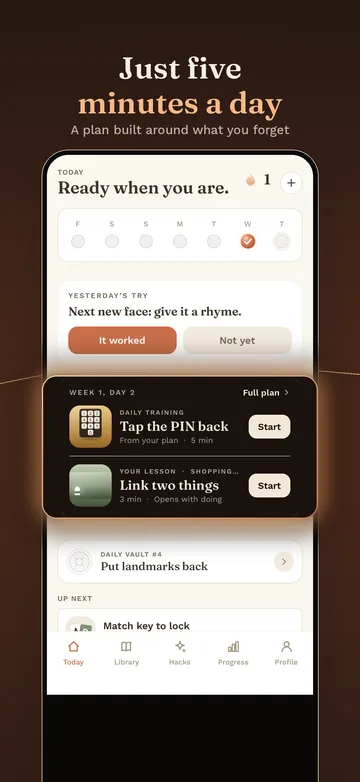
A small real-life prompt carries it out of the app and into your day.
Start free. Go further with Premium.
Free
Free to download
- 12 memory games
- The first lesson of every course
- 6 memory hacks
- 5 rounds a day
Premium
Try it free for 7 days
- All 40 memory games
- Every course and memory palace
- All 33 memory hacks
- Unlimited rounds
Premium is monthly or annual, both with a 7-day free trial, or a one-time lifetime purchase. Prices are shown in the app in your local currency. Subscriptions renew automatically unless cancelled at least 24 hours before the period ends. Terms
What you keep, stays on your phone.
Names, numbers, notes and photos in Keep never leave your device unless you turn on backup, and photos are never backed up. Anonymous usage stats help us improve Memra, and you can switch them off in Settings.
Is Memra free?
Yes. Memra is free to download with 12 games, the first lesson of every course, 6 memory hacks and 5 rounds a day. Premium unlocks everything and starts with a 7-day free trial on the monthly and annual plans.
How do I get Premium back on a new phone?
Sign in to the same Apple ID or Google account you bought with, open the Premium screen in Memra and tap Restore purchases.
How do I cancel my subscription?
On iPhone or iPad, open Settings, tap your name, then Subscriptions. On Android, open Google Play, tap your profile, then Payments and subscriptions. Cancel at least 24 hours before the period ends to avoid the next charge.
Will I keep my progress if I switch phones?
Turn on Backup in Memra and sign in with Apple or Google. On the new phone, sign in the same way and tap Restore my progress. Photos in Keep stay on the phone and are not backed up.
How do I delete my data?
In Memra, Delete everything in Settings clears all progress on the phone, and Delete backup removes your backup and sign-in. You can also email us and we will delete anything we hold.
Which languages is Memra in?
English, German, Spanish, French, Portuguese, Italian, Japanese and Korean. Memra follows your phone's language. To change it for Memra only, open Settings in Memra and choose the language.
How do I contact support?
Email support@mindima.com or send a note from Feedback on your Profile in Memra.
Learn more about Memra
Memra is out now.
Free to download on iPhone, iPad and Android.
Available nowMore from Mindima
Witra
Daily brain games for a sharper mind.
Original brain games across reasoning, memory, focus and speed, each with its own board. Short sessions that adapt as you improve.

Zonra
Hold focus longer and notice more.
Attention training built as calm, precise games. Practise sustained focus, quick switching and seeing what others miss.
Clura
Spot weak arguments and reason clearly.
Games and short lessons that train how you weigh claims, find the flaw and reach a sound conclusion.

Telra
Read faces, body language and the room.
Games, lessons and a culture atlas for reading faces, body language and tone. Then practise the reply, a few minutes a day.
Nomra
Find the right word, in any language.
40 word games and over 21,000 boards, in eight languages. Grow your vocabulary in every language you speak.